Your personal licence arrives as a signed .nslic file attached to an email, so check your spam if you can’t find it.
Three Simple Steps
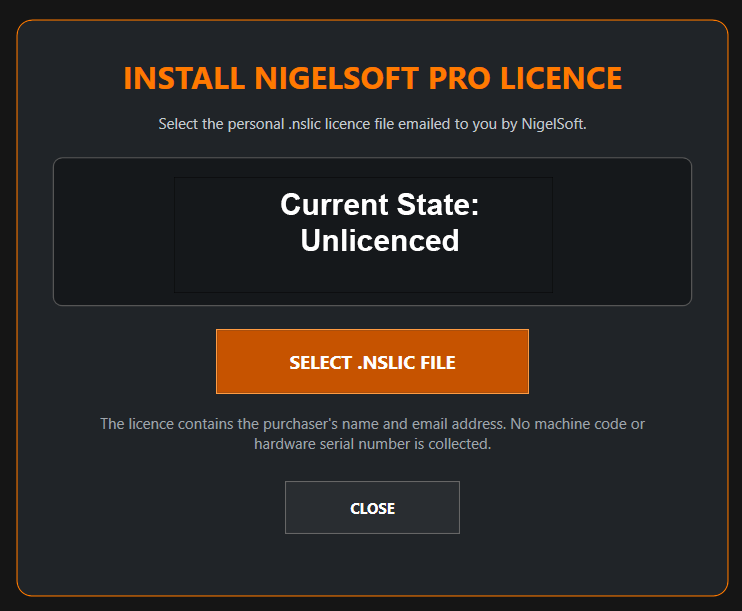
1. Save the emailed .nslic file somewhere easy to find. 2. Open the NigelSoft application and choose Select .NSLIC File. 3. Select your licence file. The application validates it and displays the licensed customer details.
Do Not Edit the File
You may move the file to another folder, but do not edit its contents. Keep a safe backup of the original email and licence attachment.
Need to Purchase?
Use Buy Now inside the application or visit the NigelSoft purchase page.